What Is On-Device AI? Private AI Tools That Run in Your Browser
Written by Majidul Bari · Updated
Most AI services send what you type or upload to a data centre, process it there and send back the answer. On-device AI does the work on your own computer or phone instead. Modern browsers can now run compact AI models directly, which is how the AI tools on Smart Online Tools summarize text, read documents, transcribe audio and edit images without uploading your content.
How AI runs inside a browser
A model is a file of learned numbers. When you use one of the AI tools, your browser downloads the model once from Hugging Face or another model host and stores it in its cache. A runtime compiled to WebAssembly, and on supported browsers the WebGPU interface to your graphics card, then performs the calculations locally.
Your files and text are passed to the model inside the page. The only network traffic is the model download, which contains no information about what you are processing.
Benefits
Privacy is the main advantage: confidential documents, photos of people and recordings never leave your device. There is also no account, no usage quota and no waiting in a server queue, and once the model is cached many tools keep working on slow connections.
Limits to be aware of
Browser-sized models are much smaller than the largest cloud models, so they are best at focused tasks such as reading text from an image or transcribing speech rather than open-ended conversation. The first download can be large, from a few megabytes to several hundred, and speed depends on your device: an older phone may be slow or run out of memory.
Like all AI, on-device models can make mistakes. Check names, numbers and facts before relying on the output.
Which tools use it
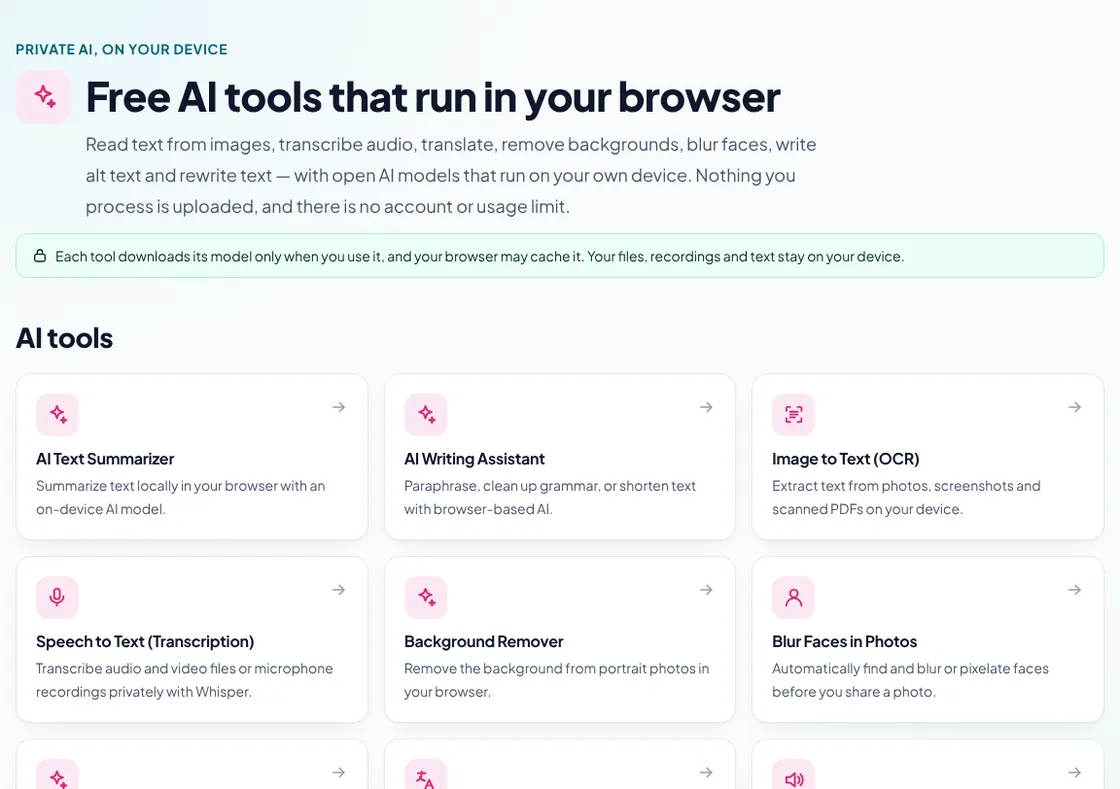
On this site, the AI Text Summarizer, AI Writing Assistant, Image to Text (OCR), Speech to Text, Background Remover, Blur Faces in Photos, AI Alt Text Generator and AI Translator all run on your device. Each tool page states how large its download is and where it comes from.
Common questions
Is on-device AI completely offline?
The model must be downloaded the first time. After that, processing happens locally; whether the page loads offline depends on your browser's cache.
Why does the first run take longer?
The browser is downloading and preparing the model. Later runs reuse the cached copy and start faster.